Last Week in AVP #104: Apple Vision Pro Launched Two Years Ago, Both Episodes of Top Dogs in Apple Immersive are Now Available, Retrocade a Lifelike Arcade Cabinet Launches in Feb and more!
If you enjoy the content, please consider supporting me with a paid subscription
It helps sustain my work and keeps this going 🙏
Want to support but can’t commit to a sub? A one-time coffee keeps this work alive and is always appreciated. 🙌
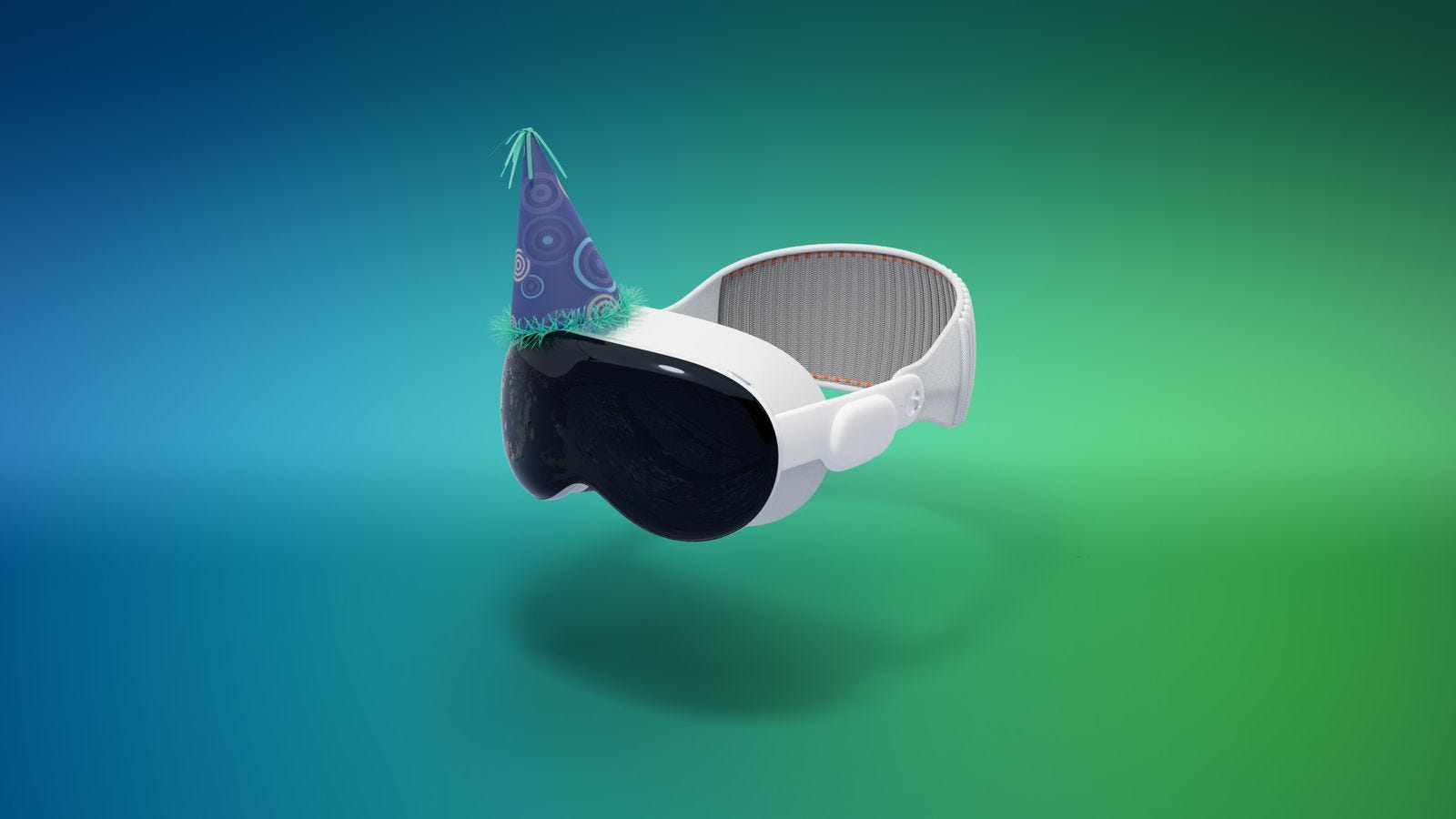
Apple Vision Pro Launched Two Years Ago Today (source)
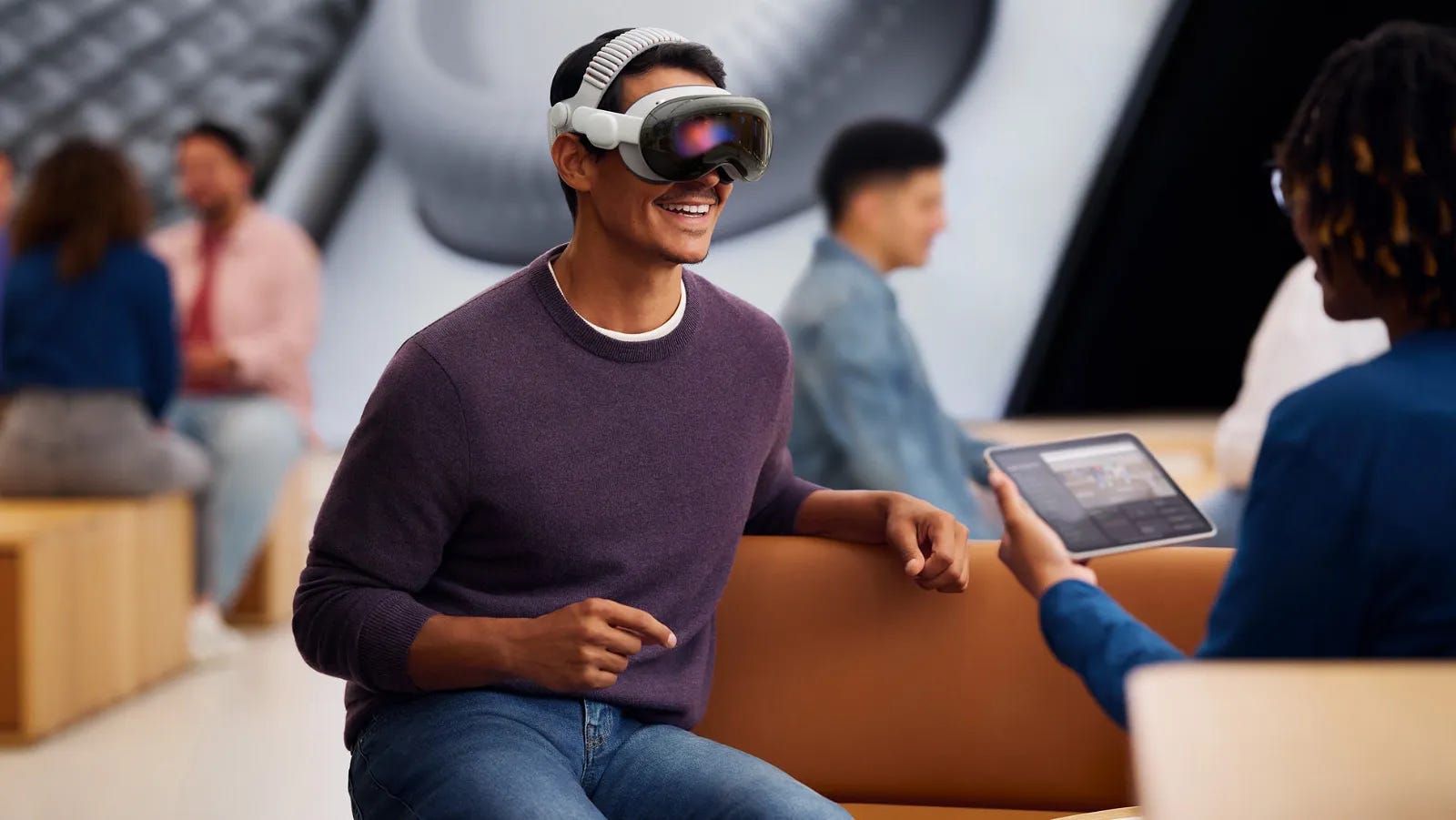
Apple’s work on a head-mounted device was the subject of rumors for many years before the Vision Pro’s announcement. By the early 2020s, those reports had converged around the idea that Apple was preparing a high-end mixed-reality headset positioned as a new form of general-purpose computer.
Apple finally revealed the Apple Vision Pro in June 2023 during its annual Worldwide Developers Conference (WWDC), marking the company’s first major new hardware platform announcement since the Apple Watch. In its initial announcement, Apple described Vision Pro as its first “spatial computer,” introducing visionOS, a new operating system designed around three-dimensional app windows controlled by eye tracking, hand gestures, and voice input. The device combined dual micro-OLED displays with a total of roughly 23 million pixels, advanced sensor arrays, and custom silicon, including the M2 chip and a dedicated R1 chip for real-time sensor processing. Apple also announced a starting price of $3,499 in the United States and said the product would launch in early 2024.
Today marks two years since the launch of Apple Vision Pro (source)
Both episodes of Top Dogs in Apple Immersive are now available (source)
Set inside Crufts, the world’s biggest dog show. The immersive video makes it feel like the dogs are right in front of you. You’ll want to reach out and pet them.
The episodes are 15 min and 18 min long.
Retrocade lets you place a lifelike arcade cabinet in your space (source)
This is one of the coolest Apple Vision Pro experiences yet.
Retrocade lets you place a lifelike arcade cabinet in your space or step into a virtual arcade and play classic games.
It’s a blast. Check it out when it launches on Feb 5.
STAGEit lets you design, build, explore immersive 3D scenes (source)
In the custom Tubular video player, as part of the upcoming 2.0 update, users will now be able to use SponsorBlock! For those who don’t know of SponsorBlock, this is from its website directly:
“SponsorBlock is an open-source crowdsourced browser extension and open API for skipping sponsor segments in YouTube videos. Users submit when a sponsor happens from the extension, and the extension automatically skips sponsors it knows about using aprivacy preserving query system. It also supports skipping other categories, such as intros, outros and reminders to subscribe, and skipping to the point with highlight.”
It is enabled by default and can be disabled in Settings or tweaked to your liking:
Drawing on Vision Pro with physics and gravity (source)
Drawing on Vision Pro with physics and gravity turned on is still blowing my mind.
I drew a slide and sent balls down it. One got stuck, so I reached out and gave it a little push.
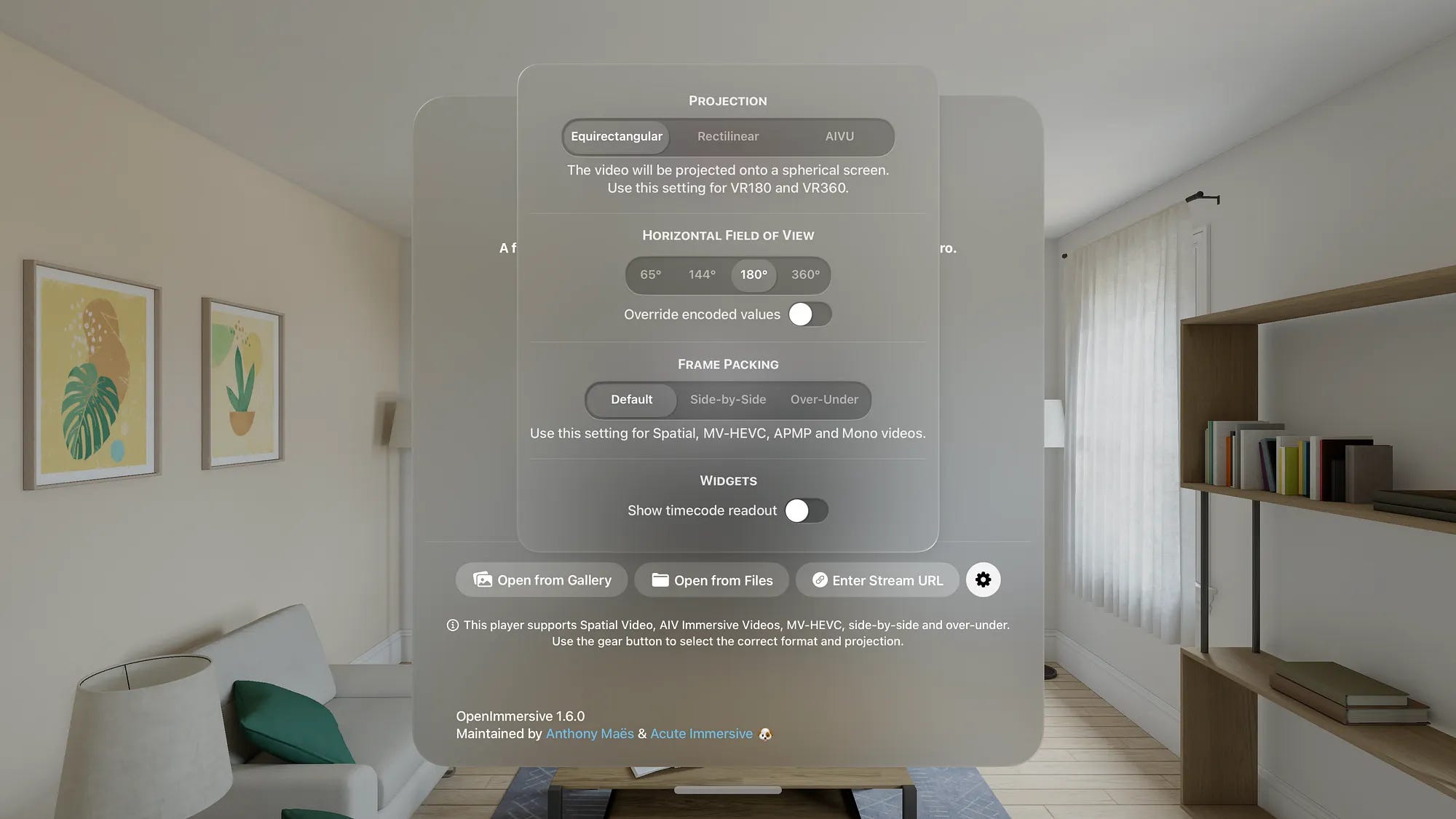
OpenImmersive 1.6: the free and open-source immersive player adds support for side-by-side VR180 & over-under VR360 video (source)
For the past year and a half, OpenImmersive has provided a way for Vision Pro users, creators and developers to play a variety of immersive formats.
However, there are two popular legacy formats that were not supported, and people had to rely on $10 apps like Moon Player and Reality Player to play them.
As of today, OpenImmersive provides a free (both as in free beer and as in free speech) implementation of side-by-side and over-under 3D VR video playback. It reads the media as is, without the need for media manipulation (either through the injection of APMP tags or the conversion to MV-HEVC).
Caddy app, 3D CAD visualization in mixed reality (source)
I feel like Tony Stark and Doctor Strange 🤯
This is the CADDY app, 3D CAD visualization in mixed reality, running on Meta Quest 3
Progressive immersion demo in 3rd party apps (source)
When using progressive immersion, our apps can respond to changes when the user turns the Digital Crown. In this example we scale the number of snow particles by the immersion level. Full immersion gets the most snow.
Apple Vision Pro still the future of computing (source)
You can’t tell me this isn’t the future of computing.
Apple Vision Pro still feels like a complete life hack.
Apple Vision Pro Is A Sleeping Gaming Beast (source)
Call it virtual reality, augmented reality, spatial computing, or something else; no matter the device in question, the market for headset gaming continues to grow gradually, but falls short of the meteoric expansion manufacturers have promised for years. Even so, Meta’s Quest has made significant inroads, now boasting a sizable library of titles, many of which offer novel play. And Valve is aiming to disrupt the space with its Steam Frame in the coming months.
Amid that competition, Apple Vision Pro remains an odd duck. Especially with the advent of a newly released revised version of the headset with Apple’s impressive M5 chip included (speeding up virtually everything), the much improved, surprisingly comfortable dual-knit band, and improvements to hardware features like ray tracing and the neural engine that boosts hand-tracking and persona avatars, it’s a machine that can’t help but impress.
Behind the scenes of a real production DIT workflow with two URSA Cine Immersive systems (source)
2× URSA Cine Immersive. 3× Vision Pro. 0 downtime.
Behind the scenes of a real production DIT workflow with two @Blackmagic_News
URSA Cine Immersive systems.
Each camera generates 16TB+ per roll (roughly every 2 hours of filming), so I’m offloading both cameras simultaneously
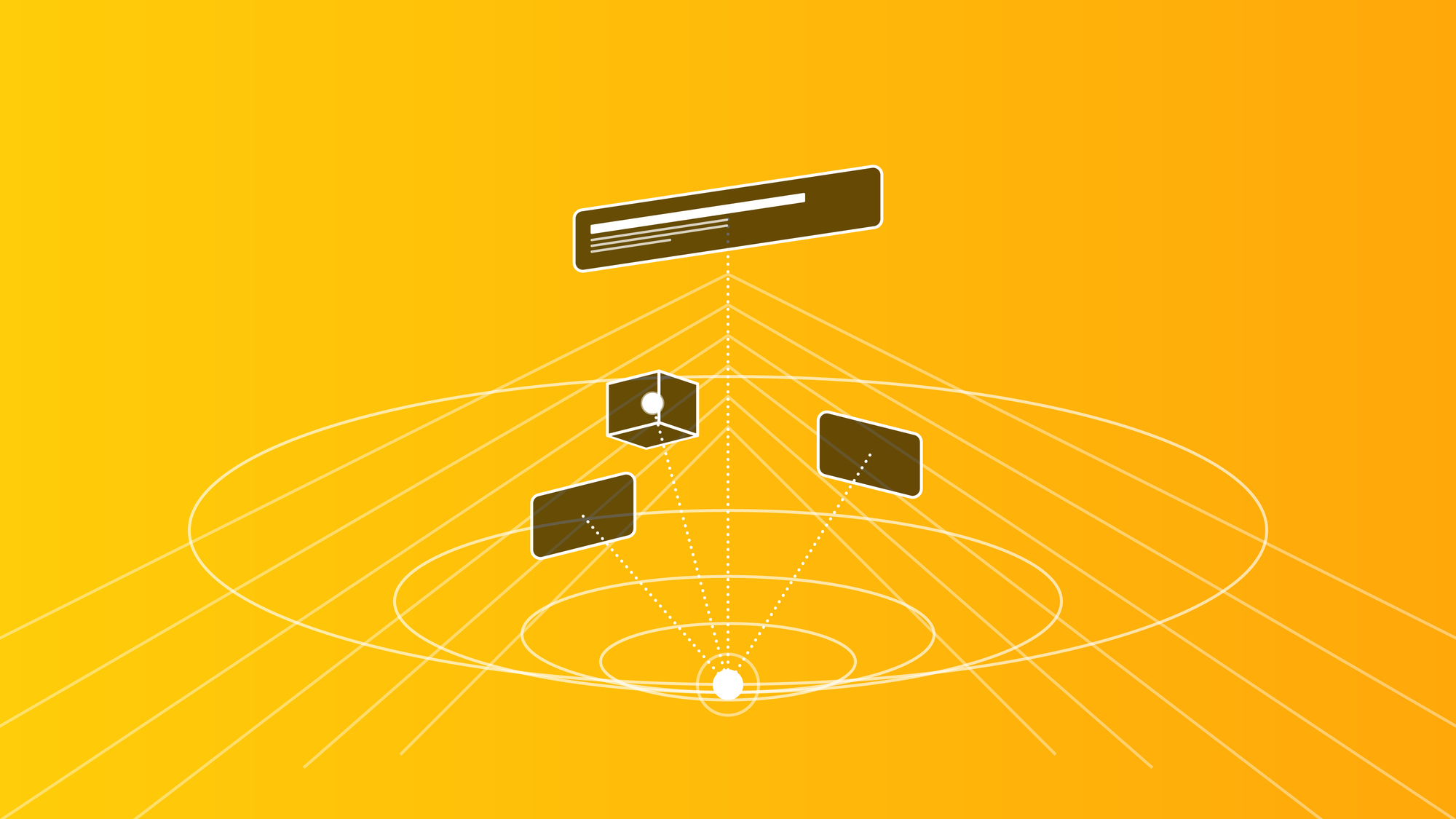
Solid Interfaces for visionOS: Widgets and Cognitive Space in Spatial Computing (source)
Picture entering your living room, where the walls are adorned not just with art and decor, but with virtual interfaces smoothly integrated into your physical world. A calendar hangs persistently on your wall, a virtual assistant hovers by your desk, and news widgets comfortably nestle into the corners of the room. Instead of appearing as temporary windows that vanish once a task is complete, spatial interfaces persist in the user’s environment, becoming part of the cognitive landscape. This shift moves interaction from episodic attention (summon, interact, dismiss) to constant presence, a different mode of thinking entirely.
Spatial widgets are not simply things you look at; they are things you live with.
The result is an extensive reconfiguration of what an interface is and what it is for. Traditional screen-based UI evolved under a simple operating assumption: software lives in a rectangle.The rectangle provides stable constraints on edges, stacking order, foreground vs. background, absolute visual scale, constant reading distance, and predictable ergonomics. Spatial computing removes all of these constraints simultaneously: the user becomes the reference frame, and cognition replaces layout as the medium of coordination.
visionOS 26 Beta: What Developers Are Learning From the New APIs and Partner Programs (source)
The visionOS 26 Beta signals a meaningful shift in how Apple wants developers to think about spatial apps. Beyond incremental UI refinements, the latest documentation points to structural changes in app behavior, system awareness, and distribution models.
Two additions stand out in particular: the Significant Change API and the Mini Apps Partner Program. Together, they suggest that visionOS is moving toward a more dynamic, context-aware, and modular app ecosystem.
That’s all for now, know someone who might enjoy this newsletter? Please share with them! 🙏
Love the comprehensive wrap-up here. The Retrocade concept is genuinely clever because it solves that "where do I put all these virtual things" problem that spatial computing still wrestles with. I actualy had this same thougth when fiddling with my Quest 3 laast year. The persistent enviroment widgets angle is probly where the real shift happens tho.


Love the comprehensive wrap-up here. The Retrocade concept is genuinely clever because it solves that "where do I put all these virtual things" problem that spatial computing still wrestles with. I actualy had this same thougth when fiddling with my Quest 3 laast year. The persistent enviroment widgets angle is probly where the real shift happens tho.